

Audit finds GA4 recorded 32% of a retailer's Christmas orders
GA4 recorded 32% of one UK retailer's web orders over the 2025 Christmas period, according to an audit of eight UK ecommerce stores published on 28 October. The same property had captured 81% of the store's orders in the fourth quarter of 2024 and 41% in the fourth quarter of 2025.
The audit was run by someone who works at a digital agency that has worked with all eight brands, which the author discloses. It put GA4's figures for the fourth quarters of 2024 and 2025 next to store order records. Six of the eight stores could be matched to their order data, and at three of those six GA4 told a very different story from the store.
For Australian stores heading into Black Friday and Christmas, the useful part is the check at the end: a weekly capture rate that takes an order export and one GA4 exploration.
GA4 revenue reports fell while store orders rose
Between Christmas Day 2025 and 4 January 2026, GA4 showed the first retailer's daily revenue down 68% on the year before. The store's own records showed a 13% drop.
Across the whole fourth quarter the two sets of figures pointed in opposite directions. The store's records show web orders up from 5,874 to 7,686. GA4 had them down by about a third, and reported Google Ads return on ad spend dropping from 8.07 to 4.79 and organic search revenue almost halving.
A second store showed a similar split. Its GA4 had revenue down 69% while net sales rose 18.5%. A third had GA4 putting revenue from Google, paid and organic combined, down 86% while the store's net sales rose 4.8%.
Buy consent plans sized for peak season
At two of the stores the cause was the consent banner. Both moved to a new consent setup in 2025, which produced the expected steady gap as a share of shoppers declined tracking each week. The bigger problem was the plan each store had bought. Each plan included a monthly page-view allowance, and when a store used it up the banner disappeared until the plan renewed on the next billing date.
At the first retailer, GA4 sessions dropped out in blocks that each ended on the 14th of the month. At the second, every block ended on the 20th. Because some data still reached GA4 during the gaps, there was no obvious fault, and the lost days looked like a fall in sales.
The warning sign is GA4 sessions vanishing for stretches that begin or end on the same day of each month while the store keeps taking orders. Buy a consent plan with enough page views for peak season, and have its usage alerts go to the marketing team as well as developers.
A 91% quarterly total hid two errors
The third store with a serious gap had a different failure. From 28 October to 4 December 2025 it took 2,215 orders, and GA4 recorded no purchases at all. Then on 9 December GA4 logged 1,261 purchases in a single day, 1,000 of them carrying order numbers from inside the gap. GA4 was receiving the missing orders after the fact, and only five of them were credited anywhere other than Unassigned.
The same store also counted orders twice. Google's guidance says GA4 deduplicates purchase events with the same transaction ID, but only when they come from the same user. In the fourth quarter of 2025, 657 of the 3,365 order numbers GA4 recorded had more than one purchase event, which added 735 purchases to the total.
Over the quarter the two errors nearly cancelled out. GA4 recorded 4,100 purchases against 4,501 store orders, about 91%, a total that looks healthy if it is the only number anyone checks.
To find double counting, build a GA4 exploration that shows how many purchase events each transaction ID has. Any ID with more than one is a duplicate. For the blackout pattern, check for days when GA4 shows sessions but zero purchases, and for purchases that suddenly arrive in bulk under Unassigned.
Script-running bots get past GA4's bot filter
A fourth store's problem was visitors who were not shoppers. GA4 filters out bots that appear on its known list, but automated visitors that execute a site's scripts the same way a real browser would get through and are counted.
In mid-September the store was getting 300 to 900 sessions a day. GA4 then logged 23,187 on 27 September 2026 and 25,622 on the 28th, almost all of them direct visits from Chrome on desktop that averaged about a second of engagement. Search Console clicks over the same days did not move.
The audit's advice is to exclude those sessions from reports and block the traffic at the firewall, while leaving verified crawlers such as Googlebot alone. Session spikes that orders do not follow are the sign to look for.
Compare organic sessions with Search Console clicks
Search Console records a click each time someone follows a Google result to a page outside Google, and it does this independently of the site's own tracking tags. That makes it a useful control for GA4. Each week, divide GA4's Google organic sessions by Search Console clicks. If tracking breaks, the ratio falls sharply.
During the third store's blackout, Google sent 4,244 clicks in the week of 3 November 2025 and GA4 recorded 57 Google organic sessions. Search Console clicks held steady through the whole period.
The same logic applies to other reporting tools. Semrush's recent statement that Google is serving poisoned results to rank trackers makes Search Console the reference point for ranking data as well, and a Search Console line that holds while another tool collapses is a reason to suspect the tool before the business.
Sudden swings in weekly capture rate mean broken tracking
The check the audit recommends has three steps.
- Export weekly web orders for the fourth quarters of 2024 and 2025 from the store platform, leaving out marketplace, subscription and manual orders.
- For the same weeks, count the distinct transaction IDs on GA4 purchase events. Do not use GA4's transactions metric, because it includes refunds.
- Work out each week's capture rate: GA4 purchases as a share of store orders.
A rate that sits in the same band every week is the consent gap, and GA4 can still be used for trends. A sudden jump or fall between weeks, a week close to zero or a week over 100% points to a tracking fault, and it needs fixing before anyone shifts ad or SEO budget on the numbers.
Treating a tracking gap as a sales dip is the same mistake as reading the ChatGPT referral drop in GA4 earlier this month as lost traffic, when the visits had moved to Direct after ChatGPT's links stopped carrying their utm_source tag. Date every consent limit, checkout update and tag change in GA4 so a fall in reported revenue can be checked against a known cause.
Finance directors can read a capture rate
The audit's framing for stakeholders is short. The store is the record of orders and revenue, GA4 is for behaviour and trends, and ad platforms are reporting their own claims. The audit suggests opening with the capture rate, for example: "GA4 recorded 41% of our web orders this quarter, down from 81% last year" is a sentence any finance director will understand.
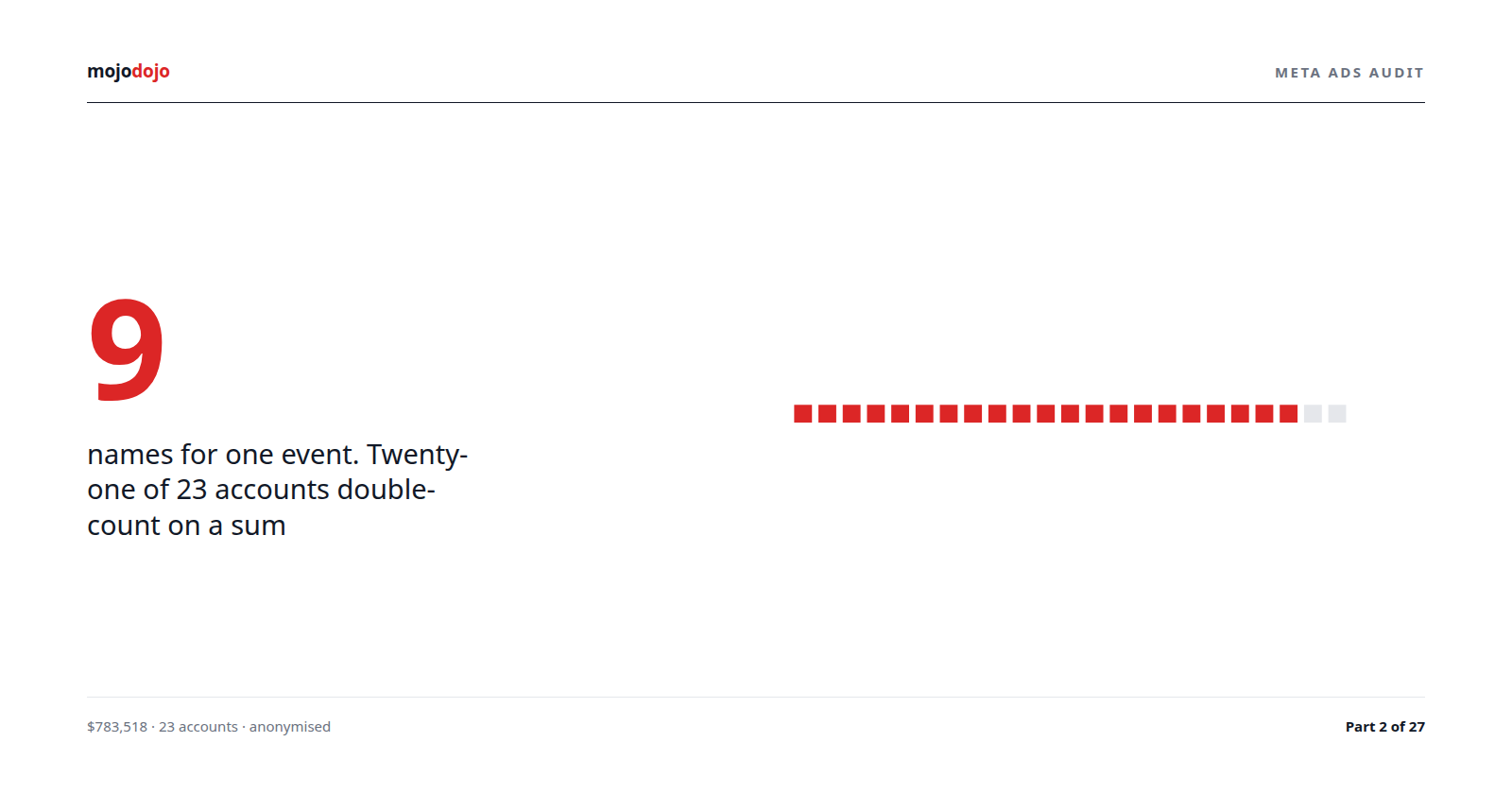
Ad platforms have their own double-counting habits. Meta Ads action types can report one event under several names, so a summed column overstates results in the same way a duplicated purchase event does in GA4. Store orders are the number every platform has to reconcile to.
Stores should send purchases to GA4 directly
In most GA4 setups the sale is only logged when the confirmation page loads in the shopper's browser, so a change to the checkout, a broken script, an ad blocker or a reload of that page can drop it or record it twice. The audit's longer-term fix is for the store platform itself to send each purchase to GA4 as the order is created, using the Measurement Protocol or a server-side tagging container that takes its data from the store, with the order number as the key. Sending purchases from the server does not change what shoppers have or have not consented to, so the steady consent gap stays, and orders from shoppers who declined tracking still need to be handled according to their choice.
The first move for an Australian store is the weekly capture rate for the last two fourth quarters, run this month, with each week's result dated and kept. Then open Tag Manager's Consent Overview page (switch it on under Admin, Container Settings if it is not showing), which lists every tag's consent settings in one place, and find out who receives the warning when the consent plan reaches its monthly limit.