
Bing AI Mode shows search and shopping ads above answers
Microsoft is showing ads at the top of Bing's AI Mode results, the conversational search it used to call Copilot Search. Screenshots published since at least 6 November show standard text search ads sitting above the AI-written answer, and a second set of screenshots shows shopping ads in the same slot.
The ads also appear on follow-up questions inside the same AI Mode session, the format Google calls multiturn ads. Microsoft has not announced ads at the top of AI Mode answers. Its help page on ads in Copilot, the technology Microsoft says powers AI Mode, says eligible campaigns are opted in automatically, advertisers cannot opt out, negative keywords still apply and there are no separate metrics for Copilot ads. The page does not mention AI Mode by name, so how widely the placement runs is still unclear.
Bing AI Mode ads are easy to miss
The first screenshots show ordinary Bing search ads, the text ads most Microsoft Advertising accounts run, placed above the AI Mode response. An attempt to reproduce them turned up shopping ads in the same position instead, so both formats are in play.
The "Sponsored" label on these placements is faint. In the examples, the labels were muted enough that the person who captured the shopping ads did not register them as ads at first. If someone who studies results pages for a living can miss it, a shopper typing a question into Bing will miss it more often.
Ads continue into follow-up questions. Ask Bing AI Mode a question, refine it, and the follow-up can carry its own ads. That fits Microsoft's description of Copilot ads, where it says ad selection considers the context of the whole conversation rather than only the last prompt.
Can I opt out of Copilot ads?
Microsoft Advertising has not published an announcement or release note describing ads at the top of AI Mode answers. The closest official document is its help page on ads in Copilot, which Microsoft says is the technology behind AI Mode. That page says ads serve inside Copilot responses, are built automatically from existing campaign assets, and that every eligible campaign and ad type is opted in automatically, with no way for an advertiser to opt out.
The page lists the eligible formats: multimedia ads, product ads including Shopping and Performance Max product ads, search ads that carry a logo extension or automated business logo (responsive search ads, dynamic search ads and Performance Max search placements), and property promotion and tours and activities ads. Microsoft says search ads must include a logo to be eligible to show in Copilot.
Because the page never names AI Mode, several things stay unknown: whether the top-of-answer placement is a test or a full rollout, which countries see it, and whether Australian searchers are included. Sponsored and shopping results inside Bing's Copilot answers had been spotted from late August, so the placement may have been building for some time, and Microsoft has given no start date.
On reporting, Microsoft's help page says it does not currently support specific metrics for ads served in Copilot. Until that changes, assume that any AI Mode traffic lands in your existing Bing search and shopping campaign numbers, mixed in with the rest.
Microsoft's Copilot rules follow Google's AI Mode defaults
The pattern will be familiar to anyone who runs Google Ads. When Google brought ads in AI Mode to Australia, Search, Shopping and Performance Max campaigns were eligible by default, with no separate opt-out and no separate reporting. Microsoft's Copilot rules follow the same path: existing campaigns, existing budgets, a new surface the advertiser did not choose.
Google has also been open about why. Its chief business officer named AI Mode's lower monetisation as a cause of search revenue growth slowing to 12% in Q3, and the company's fix is more ads inside AI answers. Microsoft has said nothing comparable about Bing, but the commercial logic is the same for any search engine that moves users into a chat-style answer.
Mobile ads get AI summaries in testing
Around the same time, a video shared by an SEO consultant showed Google testing AI-generated text around mobile search ads. A generated summary sits above the sponsored block and describes all the advertisers in it, naming the brands and linking to their ads. Each ad then gets its own AI-written description beneath it, and a loading animation plays while the text is generated.
Google has shown generated descriptions on individual sponsored results and sponsored products before. The summary above the whole ad block appears to be new. We found no Google announcement of the test, and the example shared was on mobile.
For an advertiser, the two changes point the same way. On Bing, your ad sits above an answer the engine wrote. On Google, the engine is writing text about your ad. In both cases the words a searcher reads before clicking are less and less the words you wrote.
Negative keywords are Microsoft's one confirmed control
If your Microsoft Advertising account is an import of your Google Ads campaigns, kept running because Bing clicks are cheap and the setup took an afternoon, nothing in it needed to change for the ads to appear. Under Microsoft's Copilot rules there is no AI Mode setting to turn on and no opt-out to turn off. The one lever Microsoft confirms is negative keywords, which it says still apply to ads in Copilot.
That is no reason to pause the import, since Bing's AI Mode traffic is a slice of Bing traffic you were already buying. It is a reason to look harder at what that traffic does after the click.
AI Mode clicks may not convert
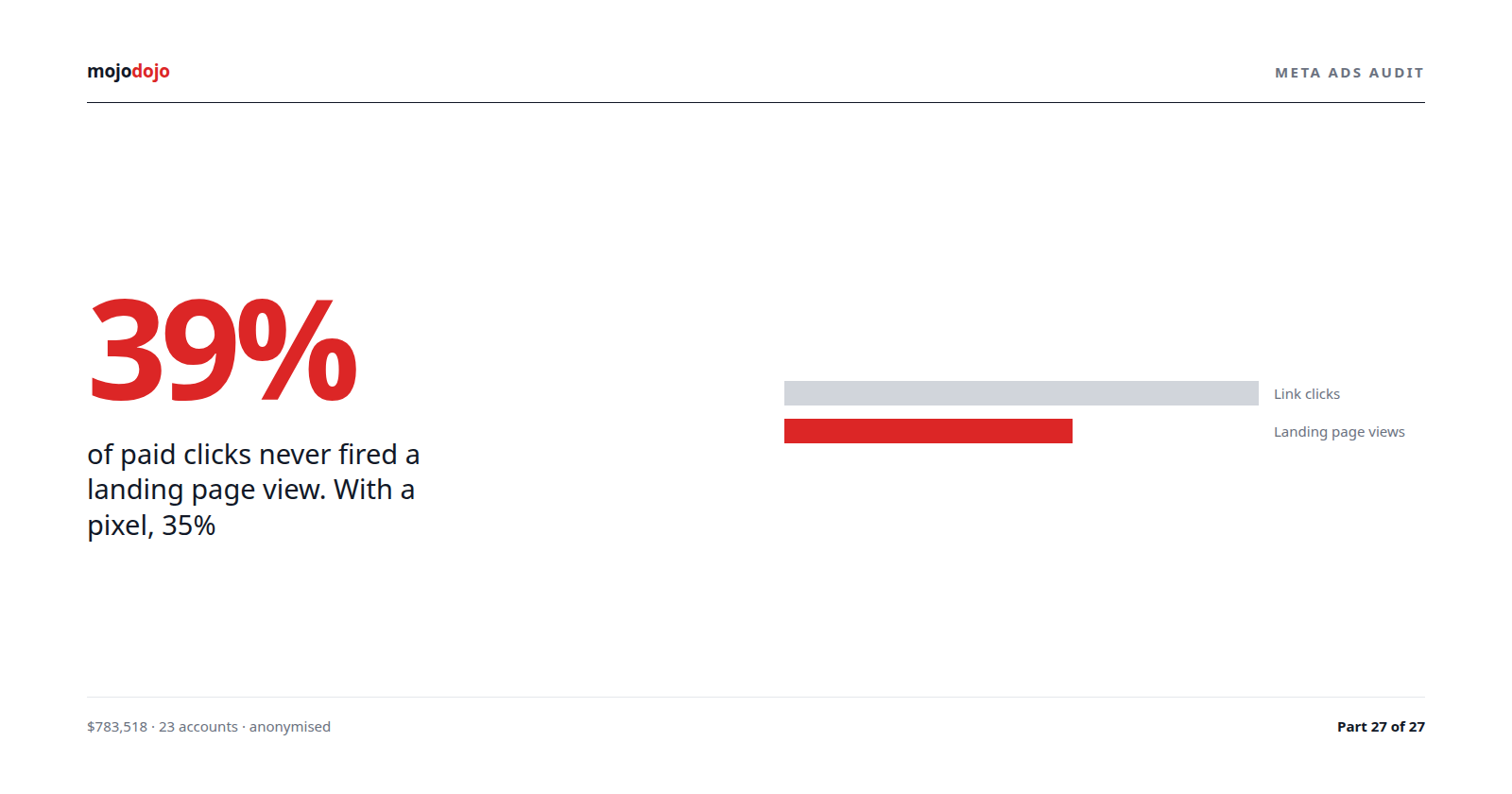
A faint sponsored label changes click behaviour. Some people will click an ad believing it is part of the answer, and some of those clicks will bounce when the page turns out to be a sales page they did not want. Click-through rate can rise while conversion rate falls, and the account total can look healthier than it is.
The early evidence from other AI surfaces points the same way. A working paper on ChatGPT ad visits found they earned far less per visit than paid search clicks on the same advertisers' sites. Bing AI Mode is a different product and nobody has measured it yet, but the lesson transfers: measure the visit by what it did on the site.
Practical steps for the next few weeks:
- Keep the Google Ads import running on its normal schedule. Do not create a separate budget line for AI Mode; there is nothing to attach it to.
- In Microsoft Advertising, segment search and shopping campaigns by network and compare early November with the four weeks before. Microsoft has given no start date, so look for a click-through rate rise that is not matched by conversions rather than a clean before-and-after line.
- Check the search terms report for a shift towards longer, question-shaped queries, which is what a follow-up question in AI Mode would look like if it reaches the report at all.
- Review negative keyword lists. Microsoft says negatives still apply to ads in Copilot, so they are the one documented control over which questions your ads answer.
- Confirm that search campaigns carry a logo extension or automated business logo. Microsoft says search ads need a logo to be eligible to show in Copilot.
- For shopping campaigns, confirm that product titles and prices in Microsoft Merchant Center are current, because a product ad above an AI answer is the first thing the searcher sees.
- Note the date in your reporting so that any change in Bing performance is read against the placement change and not against the campaign.
If Microsoft does publish AI Mode documentation, the two things to look for are a change to its line that no specific Copilot metrics are supported, and any control over serving beyond negative keywords. Until then, the Bing numbers in your monthly report include a placement Microsoft has not announced, and the month-on-month comparison needs that footnote.